
5-Star Films Tools
5-Star Anim Lab
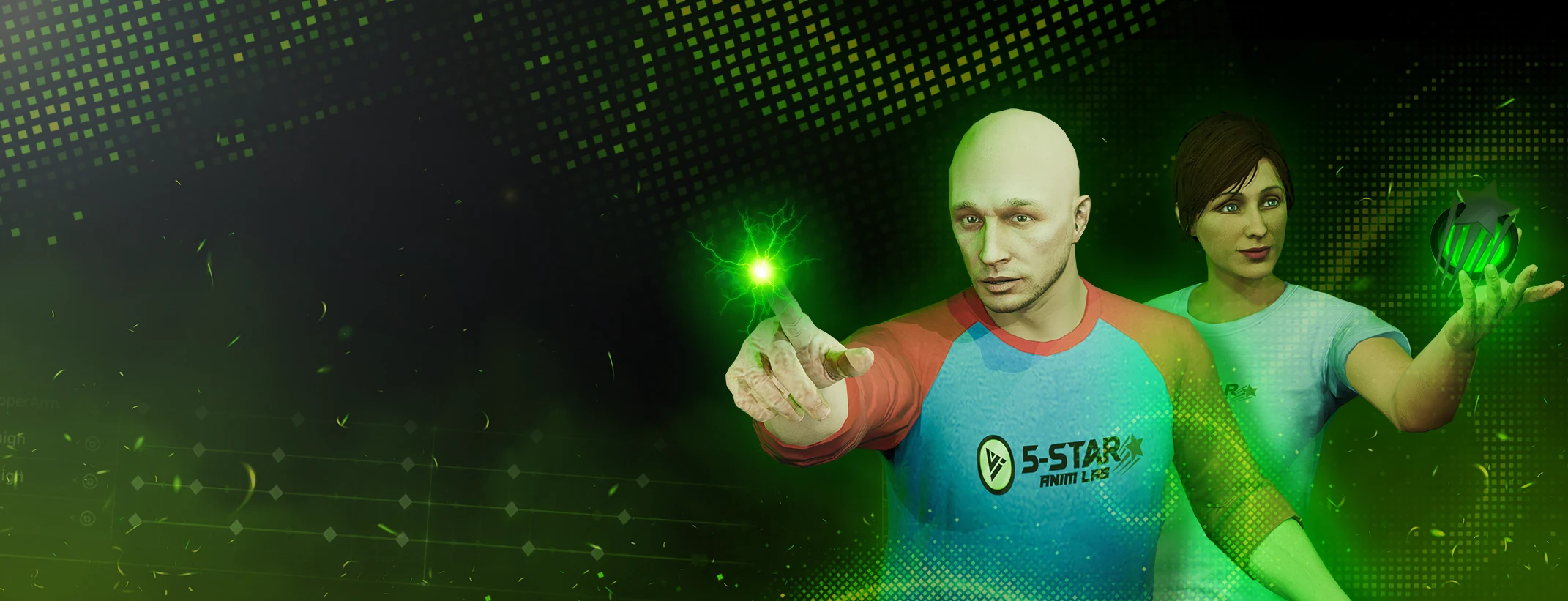
A standalone Windows app for GTA V modders, FiveM creators and machinima animators. Import, pose, keyframe, edit and export game-ready character animations in the native .ycd format.

-
Built for GTA
Import .ycd and .xml with drag and drop.
-
Edit and animate
Pose, keyframe, IK and curves, without Blender.
-
Preview in real time
Watch animations play on the bundled characters.
-
Export game-ready
Output .ycd files ready to use in GTA V.
Inside the app
A faster way to animate
Everything you need to go from a .ycd file to a finished animation, in one tool built for the GTA animation workflow.
-
Preview and pose
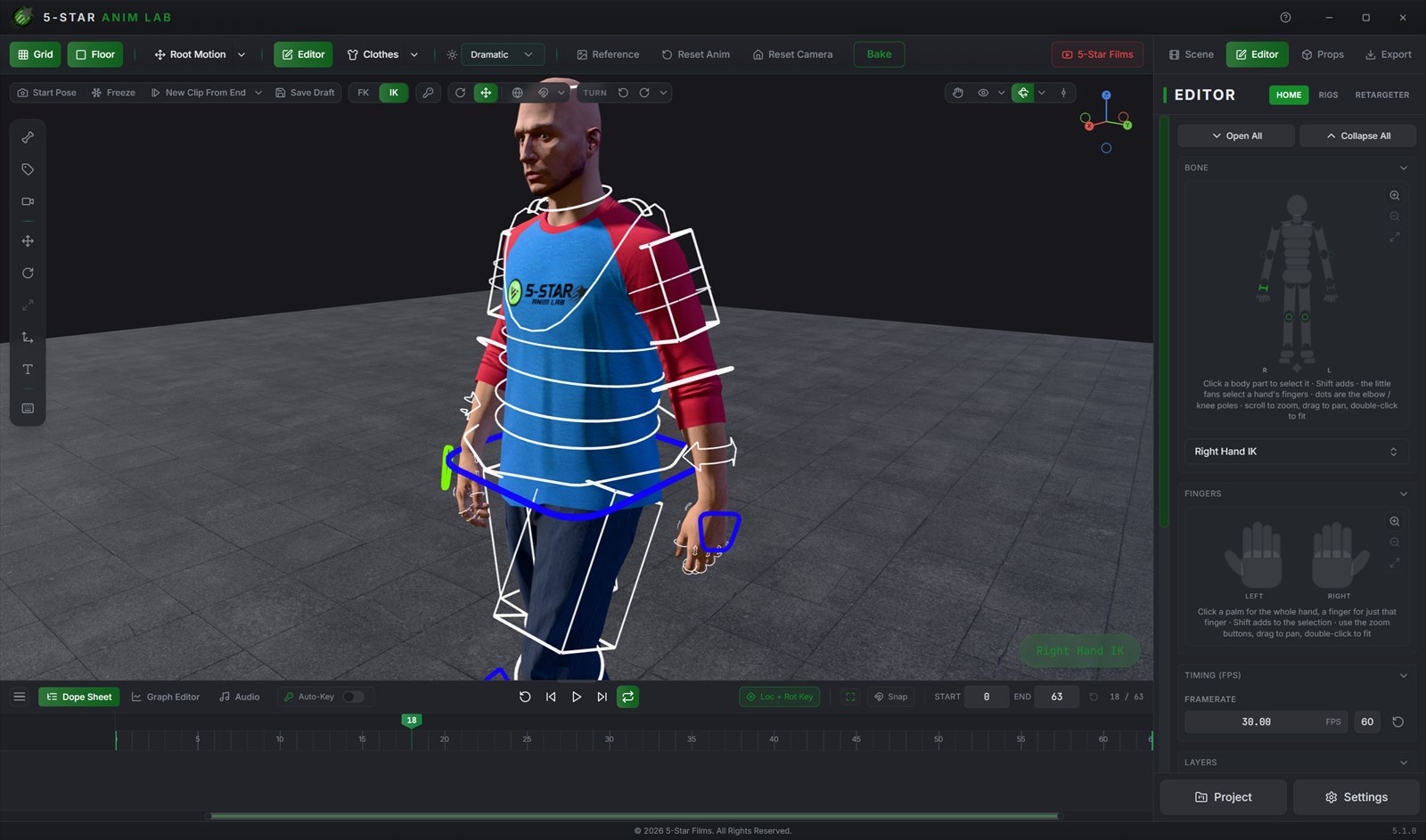
Load animations, pose characters and work with FK or IK controls in real time.
-
Edit keyframes
Auto-key, copy, paste, box-select and smooth curves in the graph editor.
-
Timeline and audio
Edit motion on a clean timeline and sync it to an imported audio track.
-
Stage a scene
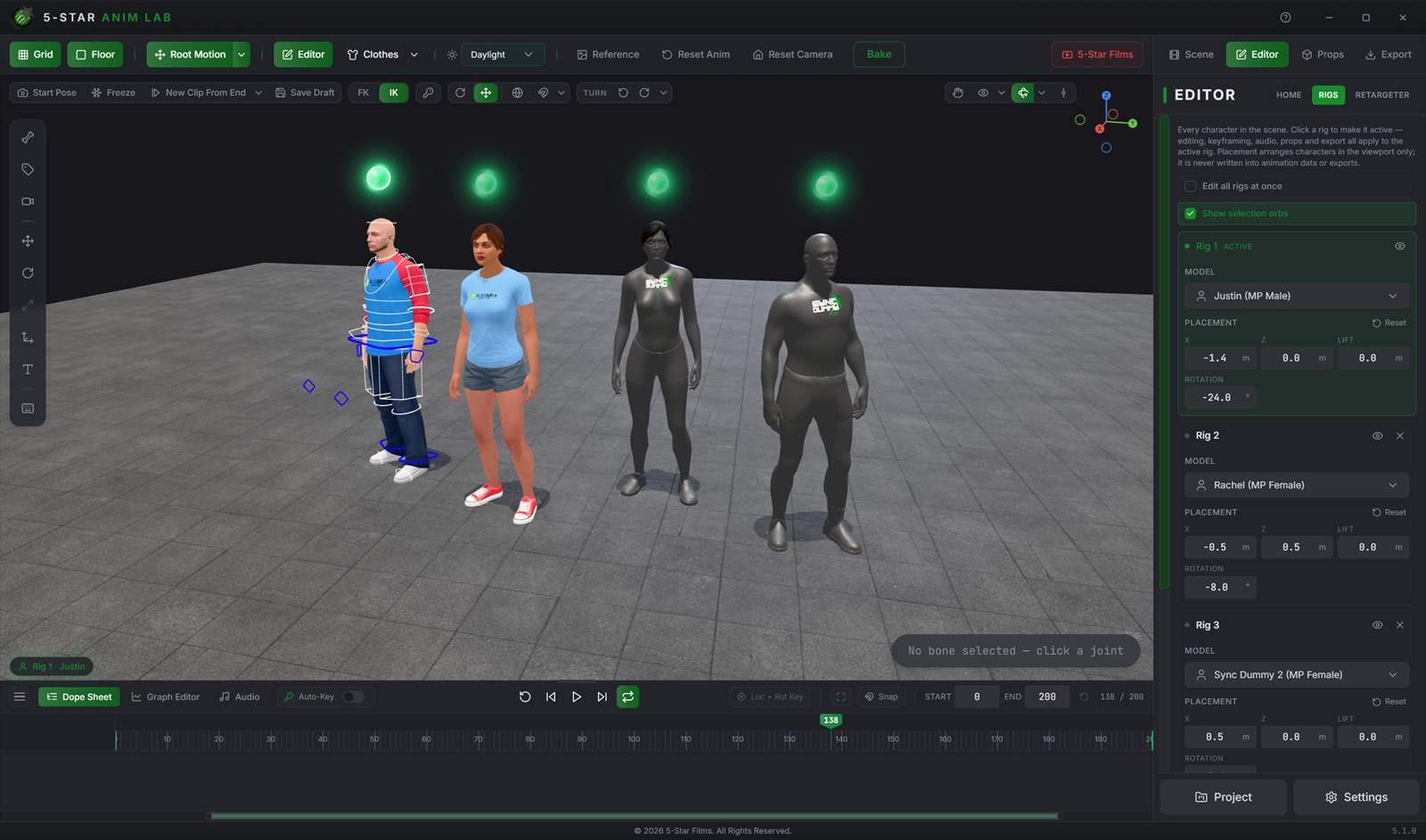
Use the bundled characters or sync dummies, with up to seven rigs in a scene.
Features
A GTA animation workflow, end to end
Everything from dropping in a .ycd to exporting one the game will load, in a tool built for that job rather than adapted to it.
-
01 Import fast
Built-in .ycd and .xml support plus drag-and-drop, so GTA animations come in without a conversion step.
-
02 Preview in real time
Bundled GTA-skeleton MP Male and MP Female characters let you watch the animation as it really plays.
-
03 Start from a preset
Included idle, walk, run and sprint animations give you something to work from straight away.
-
04 Pose like Blender, without Blender
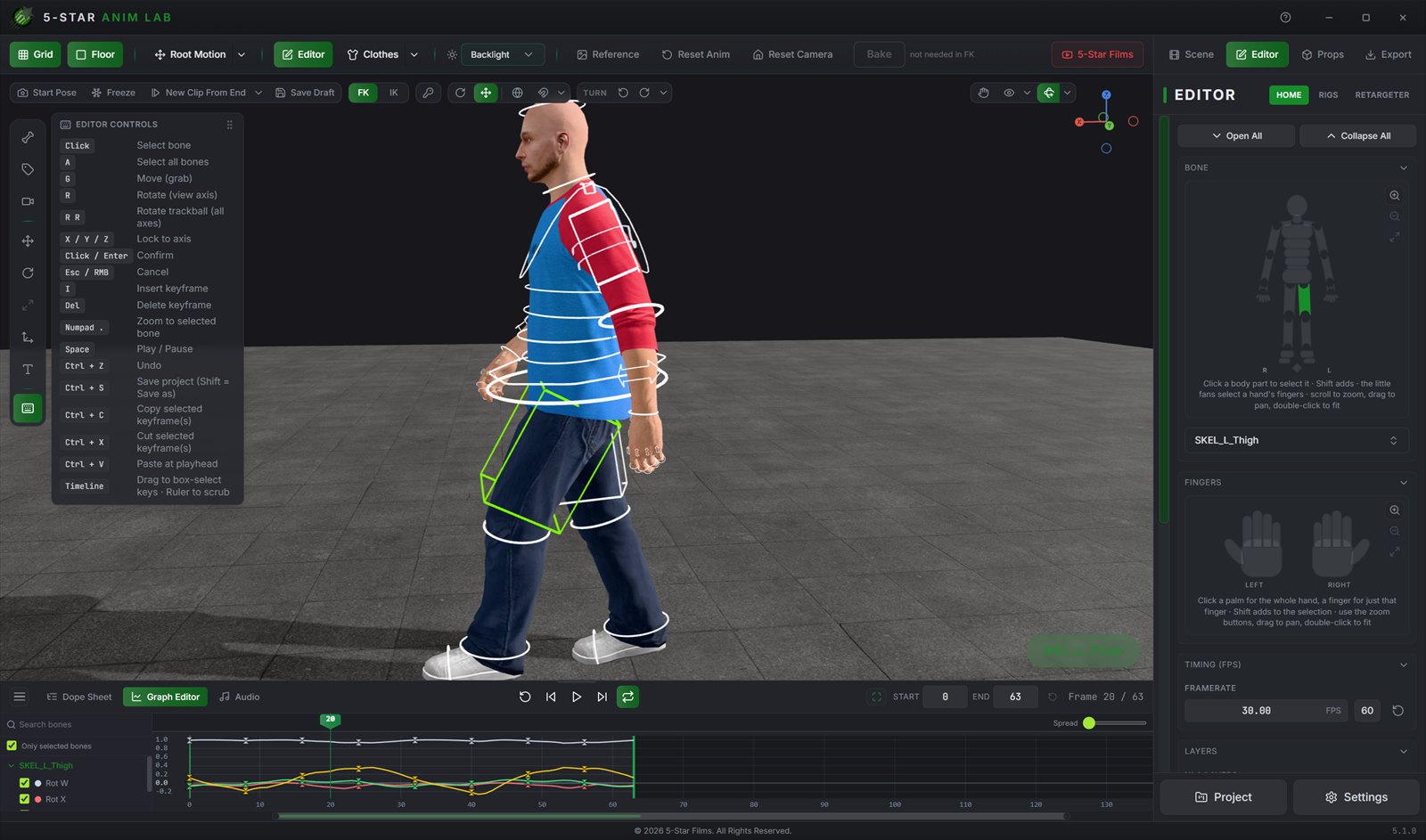
Click-select bones, G to move, R to rotate, axis locks, I to keyframe.
-
05 FK and IK
Animate either way, with pole targets, hand and foot pinning, plus root and pelvis control.
-
06 Edit keyframes smoothly
Auto-key, copy, cut, paste, box-select, undo and redo.
-
07 Switch IK and FK cleanly
Bake the motion across the switch so the animation is preserved.
-
08 Timeline, curves and audio
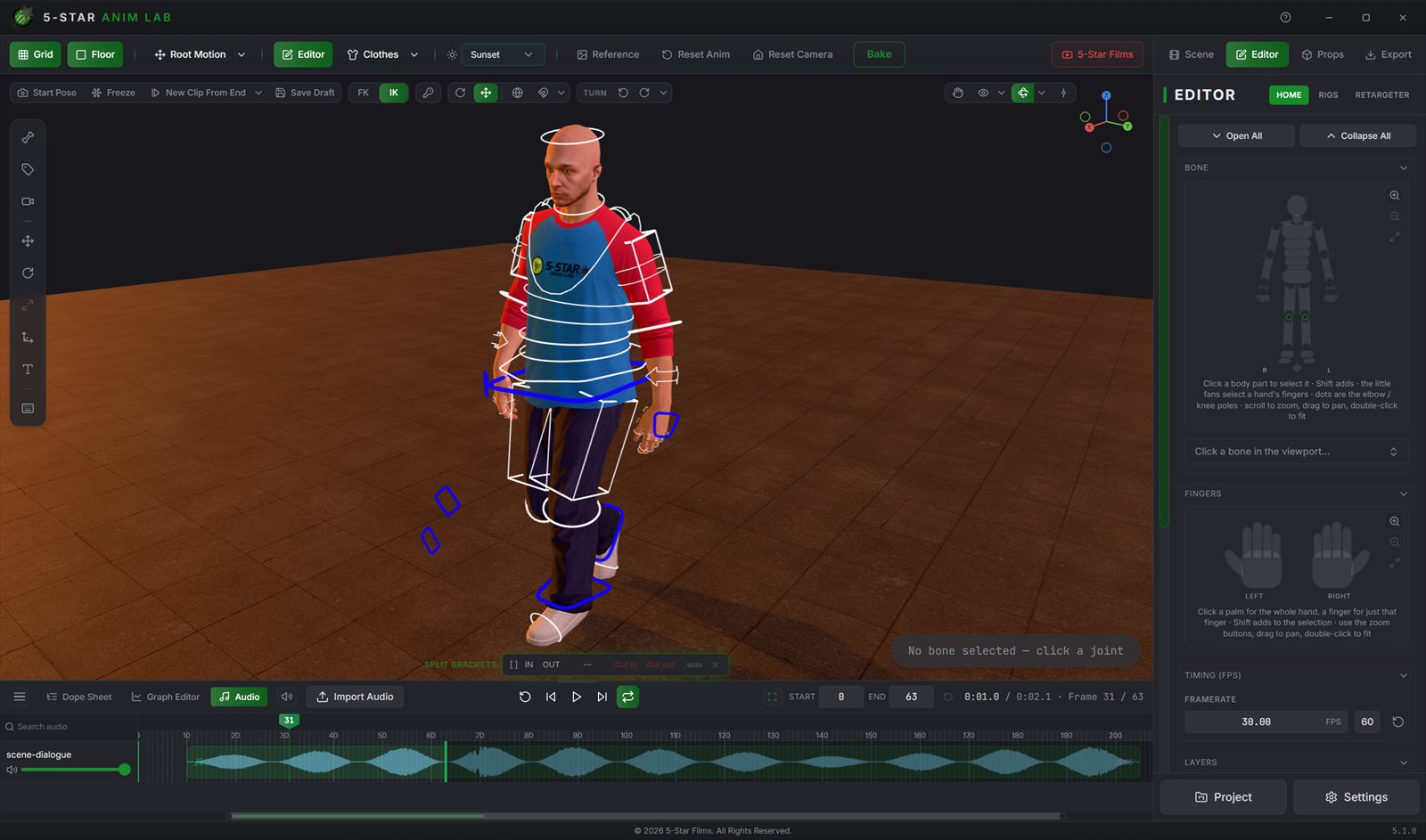
A timeline editor, a graph and curve editor, and an audio timeline for syncing to sound.
-
09 Light it cinematically
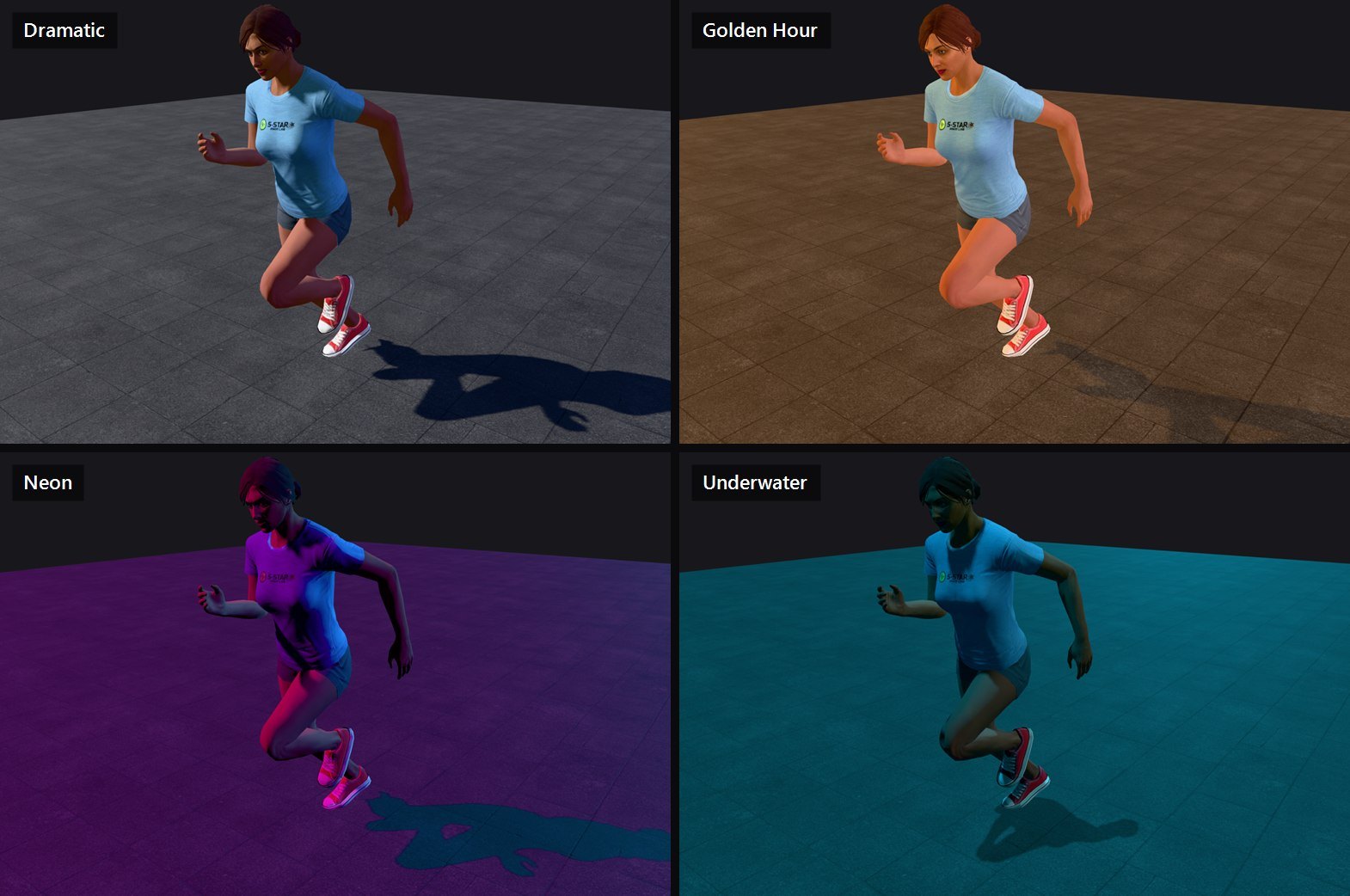
15 lighting presets including Studio, Daylight, Golden Hour, Night and Neon.
-
10 Customize the rig
Finger pose presets and rig customization tools for the details that sell a shot.
-
11 Retarget mocap
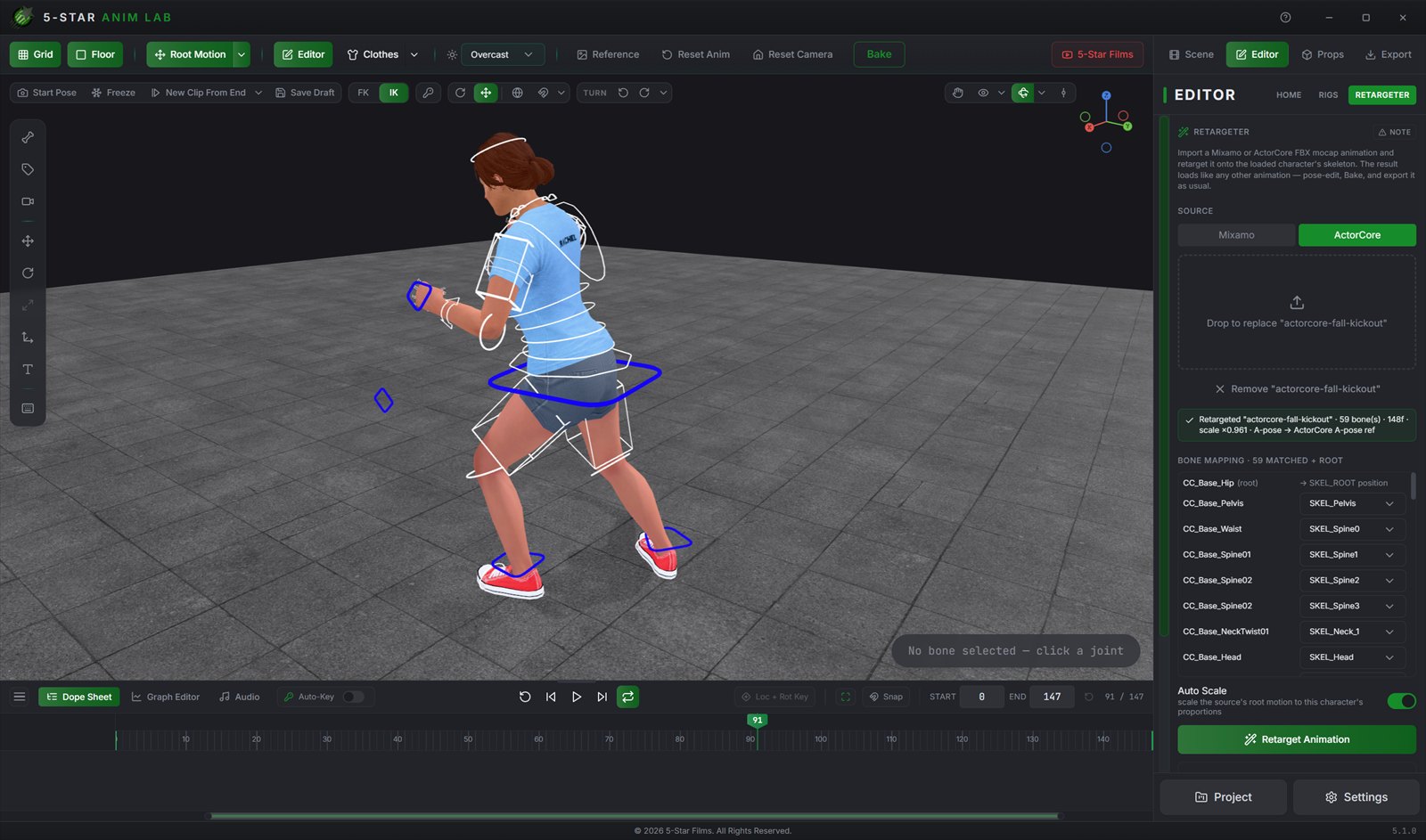
Drop in a Mixamo or ActorCore FBX and retarget it onto the GTA skeleton, rest pose and bone mapping detected for you.
-
12 Stage a whole scene
Up to seven rigs at once, any of them swappable to a Sync Dummy, each placed and rotated independently.
-
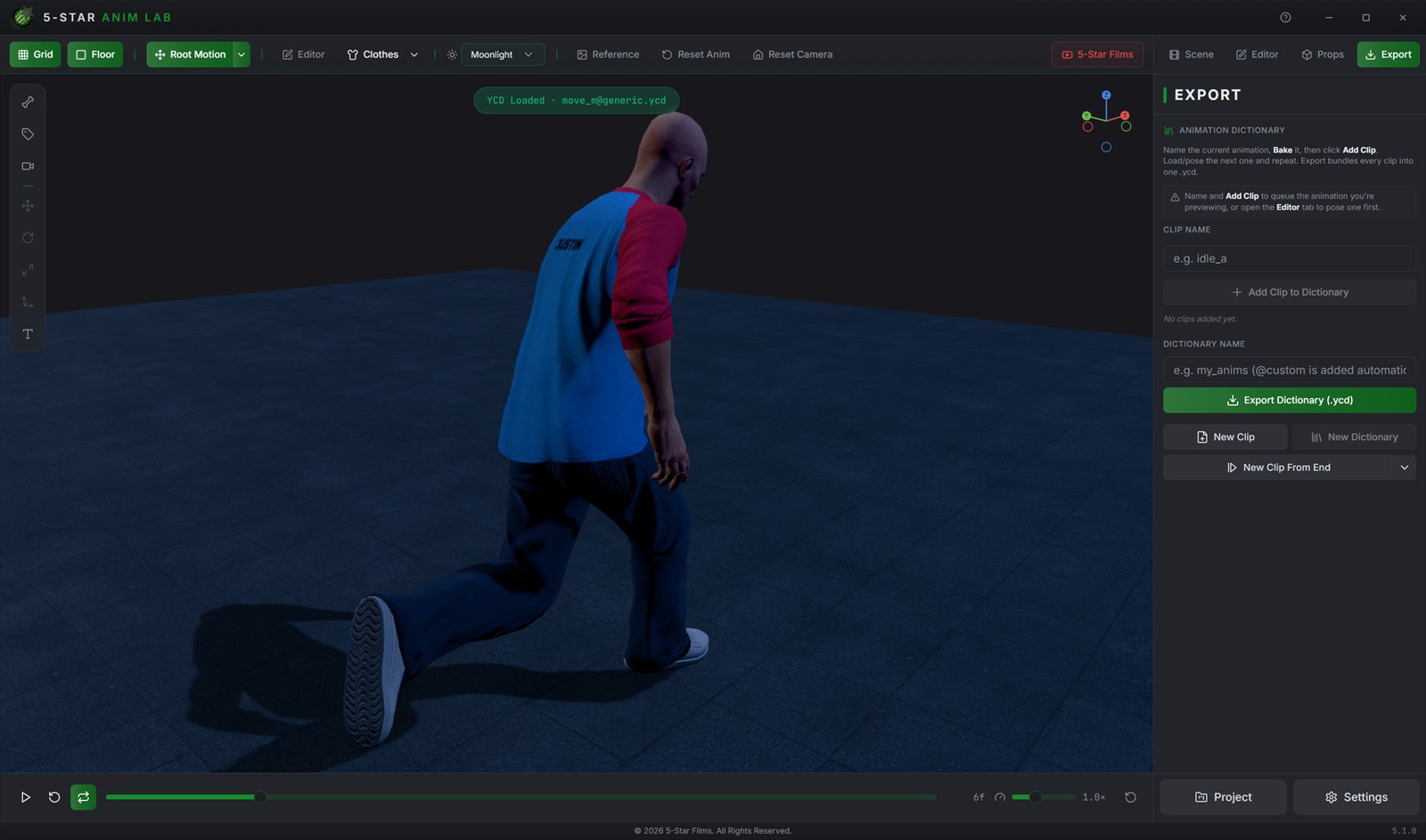
13 Export straight to GTA V
Game-ready .ycd output, no round trip through another program.
-
14 Stay organized
Autosave, recent projects, and double-click to open a project file.
Screenshots
More from real sessions
Staging a scene with sync dummies, retargeting mocap, shaping curves, syncing audio, lighting the shot and exporting the dictionary.
Reviews
What people say
"One of the best tools ever made. Simplifies viewing/editing and creating custom animations for GTA tremendously!"
"It's the most complete, simple and intuitive tool i have ever seen, the 5 Star Anim Lab makes animating for Movies in GTA V 1000x easier and fun to work on, just on my first 10 minutes of using, i was able to import a FULL animation to GTA. This tool beats Blender, Sollumz and various other programs, because you dont need to convert a Prop or Ped to XML to import into the Anim Lab, you just drag and drop it!"
"best mod ever"
"Awesome tool!"
On Gumroad
Animate like there is no tomorrow
5-Star Anim Lab is $5 on Gumroad. The download, the presets and any updates all come from there.
Download on Gumroad